Vapor World Over The Mind Tools Hub
Practical utilities that make the dream easier to navigate.
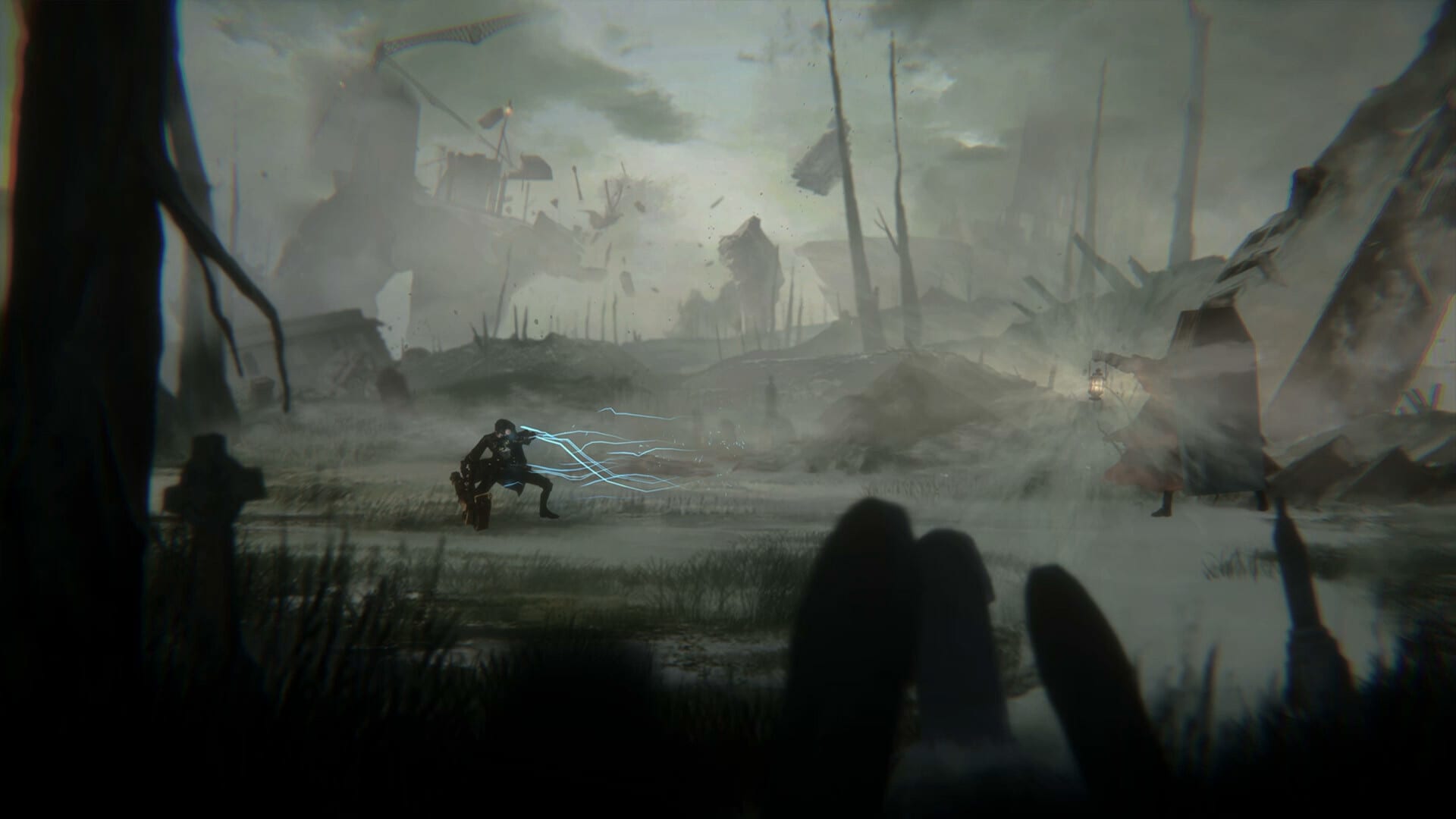
The Tools Hub holds reference utilities rather than long essays.
Available tools
- Controls — PC and controller input map guidance
- EA checklist — track Prologue through early Episode 2 goals
Use tools beside Guides and Combat pages. When a patch changes movement, revisit Controls first.
Deep linking map
From this hub you should be able to reach every major pain point in two clicks: onboarding, deflection, stealth, Projections, Early Access routing, hardware checks, ranking, bosses, character lore, controls, checklists, roadmap, patch notes, official stores, and Game Pass platform choice. If a card above looks thin, open it anyway—each child page is written to stand alone with FAQs and sideways links.
Editorial standards
We refuse filler paragraphs that restate the same tip five times. When Early Access patches land, we revise combat pages first because missed parry windows hurt more than a stale adjective in a lore blurb. Dates and storefront claims are verified against Steam app 1996090 and official marketing, then mirrored carefully into facts style summaries.
Suggested reading paths
Brand-new player: Guides Overview → Getting Started → Controls → How to Parry → EA Checklist.
Demo veteran: Patch Notes → Controls → Boss Guide → Best Builds → EA Walkthrough.
Story-first player: Paslow → Story Overview → Preview Review → Official Links.
Platform shopper: Platforms & Game Pass → System Requirements → Official Links → Roadmap.
Contribution mindset
This is a fan wiki. If ALIVE Inc. publishes contradictory information, the official channel wins. Use Discord and Steam news as primary sources, then return here for structured how-to guidance that store pages never provide.
Pages
- Controls — bindings, post-overhaul relearn, pad versus keyboard
- EA checklist — progress tracker for the five-hour Early Access slice
Why tools exist
Guides teach. Tools track. After a patch night, open controls first, then tick checklist rows that may have moved. Cross-link patch notes whenever a verb feels different.
Suggested use
Print or mirror the checklist beside the walkthrough. Keep controls open until Paslow’s weight feels boring—then you are ready for Seeds.
Session pairing
Open controls until Paslow’s weight feels boring, then tick the EA checklist at night’s end. After any patch, re-open controls before you blame a Seed pattern.
Closing note for tools
Keep this page beside your pad during Early Access. When a tip conflicts with a fresh Steam post, trust Steam, then update your notes. Return to the Guides Hub or Updates Hub for the next bottleneck instead of grinding the same mistake.
Frequently Asked Questions
Quick answers for Early Access players and newcomers.
Are these in-game tools?
No. They are wiki utilities to support your play sessions.