Vapor World Over The Mind Guides Hub
Deep tutorials for the dream—combat, exploration, demos, and the Early Access path.
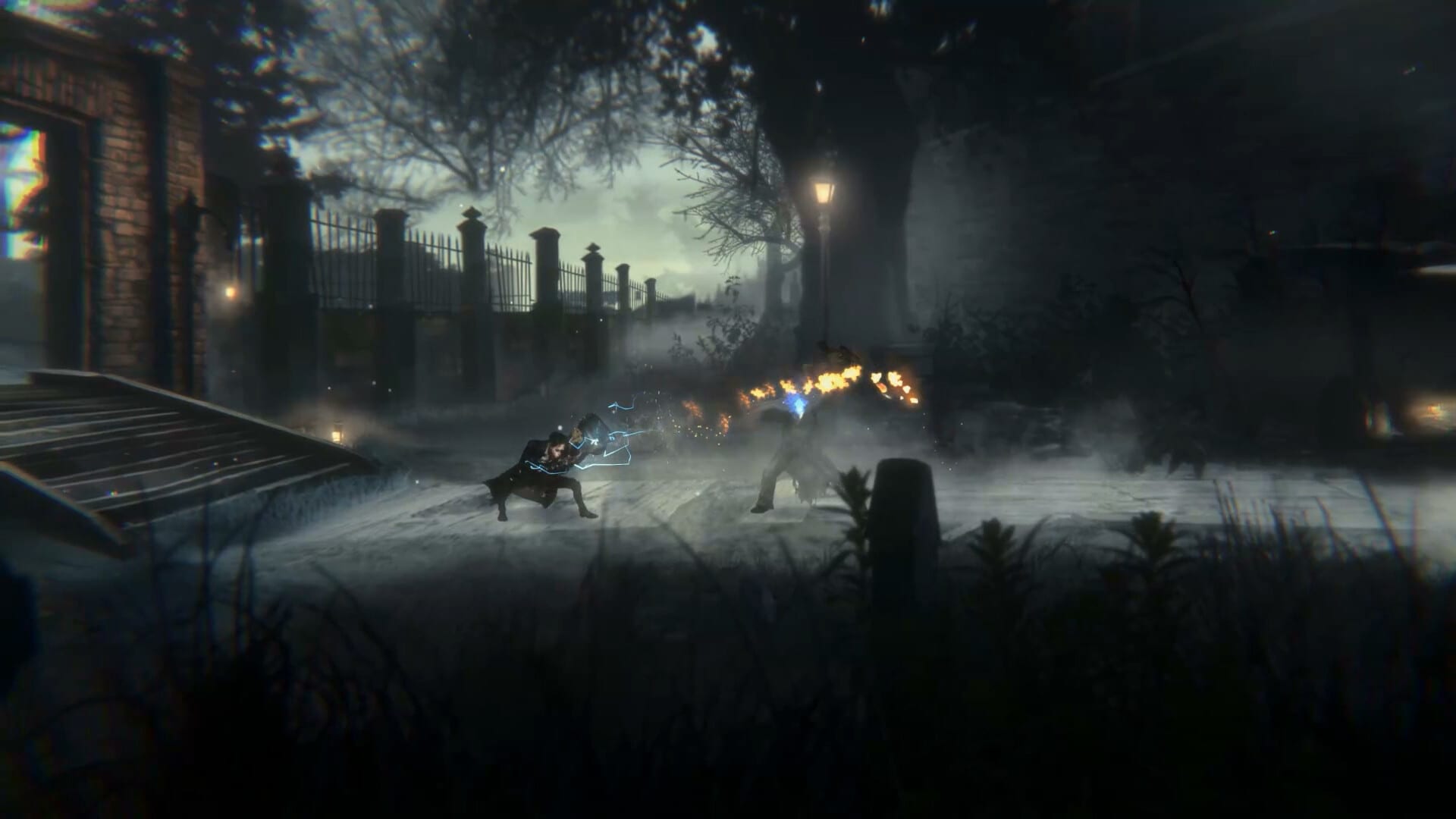
Welcome to the Vapor World: Over The Mind Guides Hub. This section is built for players preparing for Early Access and for anyone who already felt a festival or preview demo and wants a cleaner second run. Every article below focuses on a real search intent: how to play, how to parry, how to stealth, how to explore secrets, how to grow Projections, how to clear the Early Access route, and how to check whether your PC or console is ready.
Where to start
New players should open Getting Started first. That page explains the fantasy of Vapor World, the single-player scope, and the skills you need in the first hour. If you already understand the premise, jump to how to parry—deflection is the combat identity of the game—and keep controls open in another tab while you practice.
Demo veterans and shoppers
If you already touched a Next Fest or June-window demo, read the demo guide before you trust old muscle memory. Shoppers comparing wishlist timing, Game Pass rumors, and language support should also skim the pre-purchase FAQ.
Combat and exploration guides
Souls-like platformers punish guessing. Use how to stealth and extract cores when a room looks unfair, use exploration and secrets when a painted corridor feels “too pretty to be empty,” and use the Projections guide whenever you unlock a new ability. Those pages connect directly to the Combat hub: the Projections tier list, best builds, and boss guide for Seeds and Traumas.
Story-aware walkthroughs
Early Access is planned to cover the Prologue, Episode 1 Consequence of The Choice, and the opening stretch of Episode 2 The Reproachful Office—about five hours if you explore carefully. The Early Access walkthrough maps that route without spoiling every cutscene. Pair it with the EA checklist tool so you do not miss ladders, movable objects, or optional Projection pickups.
Systems and hardware
Before you wishlist or download, read system requirements and platforms including Game Pass notes. Specs on Steam currently list Windows, 8 GB RAM, and a GTX 1050 Ti class GPU as a practical floor. Console players should still verify Xbox Series, PlayStation 5, and Nintendo Switch store pages as launch builds appear.
How this hub stays useful
We update guides when ALIVE Inc. publishes patch notes, control overhauls, or Early Access scope changes. Cross-check dates against the roadmap, patch notes, and the Paslow overhaul watch. For character context, visit Paslow and the story overview. For a critical first look, read the preview review.
This Guides Hub exists so you never land on a dead end: every tutorial links sideways to combat pages, tools, and official destinations collected under official links. On desktop, the Guides dropdown shows a focused subset and points “View all” back here when the list grows past eight entries—bookmark the hub, then drill into tonight’s bottleneck.
Suggested reading paths
Brand-new player: Getting Started → Controls → How to Parry → EA Checklist.
Demo veteran: Demo Guide → Patch Notes → Controls → Boss Guide → EA Walkthrough.
Explorer: Exploration Secrets → Projections Guide → EA Checklist → Walkthrough.
Platform shopper: Pre-Purchase FAQ → Platforms & Game Pass → System Requirements → Official Links.
Contribution mindset
This is a fan wiki. If ALIVE Inc. publishes contradictory information, the official channel wins. Use Discord and Steam news as primary sources, then return here for structured how-to guidance that store pages never provide.
Frequently Asked Questions
Quick answers for Early Access players and newcomers.
Which guide should I read first?
Start with Getting Started, then Controls and How to Parry. Add the Early Access walkthrough once you reach Episode 1.
Do these guides spoil the ending?
Walkthrough pages mark heavy story spoilers. Mechanic guides stay spoiler-light and focus on systems.
Will guides change after Early Access launches?
Yes. Movement, parry windows, and boss patterns may shift with patches—revisit Patch Notes after each update.