Vapor World Over The Mind System Requirements
PC specs, storage, and platform checks before you enter Early Access.
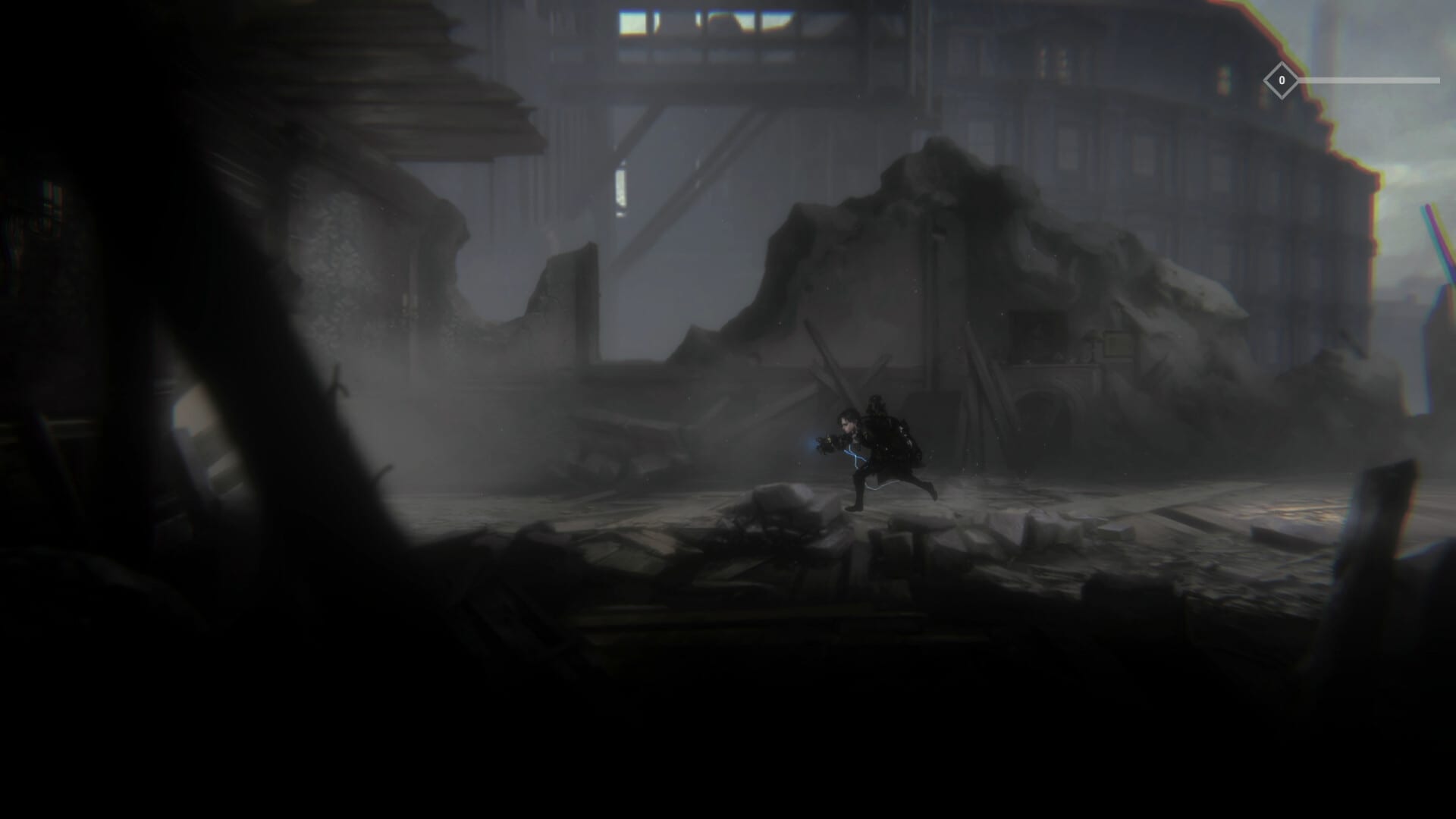
Before you download Vapor World: Over The Mind, confirm your hardware and platform expectations. This page consolidates Steam-listed PC requirements, console targets, and practical advice for a smooth Early Access install.
Steam PC requirements (as published)
Minimum specs listed on the Steam page include:
- OS: Windows 7 listing appears historically; Steam itself requires Windows 10 or later for the client going forward—plan on Win10/11.
- CPU: Intel or AMD around 3.0 GHz
- RAM: 8 GB
- GPU: NVIDIA GTX 1050 Ti class
- DirectX: Version 11
- Network: Broadband connection
- Storage: about 10 GB free
These numbers can change; always re-check the live Steam app page for 1996090 before buying.
Practical PC advice
8 GB RAM is a floor, not a comfort zone—close browsers and overlays if you hitch during particle-heavy scenes. A 1050 Ti can run many 2D titles, but hand-painted layers plus dynamic perspective effects may still stress older cards at high resolutions. Start at 1080p, disable unused overlays, and verify shader compilation pauses on first launch.
SSD installs reduce hitching when streaming new hand-drawn rooms. Keep 10 GB free plus patch headroom during Early Access.
Consoles and multiplatform
Announcements cover Xbox Series X|S (including Game Pass day-one reports), PlayStation 5, Nintendo Switch, and Steam. Cloud play may appear on Xbox ecosystems. Verify each storefront listing near launch—feature sets like 60 fps targets or cloud saves can differ by platform. Details live on platforms and Game Pass.
Input devices
Full controller support is expected and recommended for deflection timing. Keyboard and mouse remain valid on PC. Configure bindings with the controls guide before blaming hardware for missed parries.
Network notes
Even for single-player, Steam and console platforms may require online checks for license, Game Pass, or first-time setup. A broadband connection is listed for a reason—finish downloads on a stable link, then you can often play offline depending on platform DRM rules.
Demo versus Early Access builds
Demo and playtest builds are not always identical to the paid Early Access package. If you tested during Next Fest, re-read patch notes and the roadmap so you know what changed. Specs that felt fine on a short demo might still need tweaks for longer sessions.
Accessibility and comfort
Expect challenging combat. Use any assist options the live build provides, lower difficulty-adjacent settings if added later, and take breaks during Seed practice. Display brightness matters in dark painted scenes—calibrate so telegraphs remain visible without washing out the art.
Related prep
Pair this page with Getting Started, official links for wishlist buttons, and the Early Access walkthrough once you boot in. If combat still feels impossible after a smooth install, the issue is likely mechanical—return to how to parry.
Meeting requirements gets you into the dream. Skill and patience keep you there.
Laptop considerations
GTX 1050 Ti mobile variants vary wildly. Cap framerate, plug in power, and disable battery saver. Thermals throttle deflection timing more than people admit.
Capture cards and overlays
Discord overlay, vendor RGB software, and heavy browsers steal frames. For Seed practice, close them. Re-enable afterward when you clip a clear for friends on official Discord links.
Storage and shader caches
After large patches, expect a one-time hitch storm while caches rebuild. Run around Prologue spaces before a boss attempt so shaders are warm.
Controllers on PC
Wired pads reduce latency versus flaky wireless dongles. If parries feel late only on PC streaming or remote play, trust local installs for hard Seeds.
Frequently Asked Questions
Quick answers for Early Access players and newcomers.
Can I run the game on 8 GB RAM?
That is the listed minimum. Close background apps and lower resolution if you hitch.
Is Windows 7 still supported?
Steam client support shifted to Windows 10+. Use a modern OS even if older text remains on a store page.
How much storage do I need?
Plan for about 10 GB plus extra space for Early Access patches.